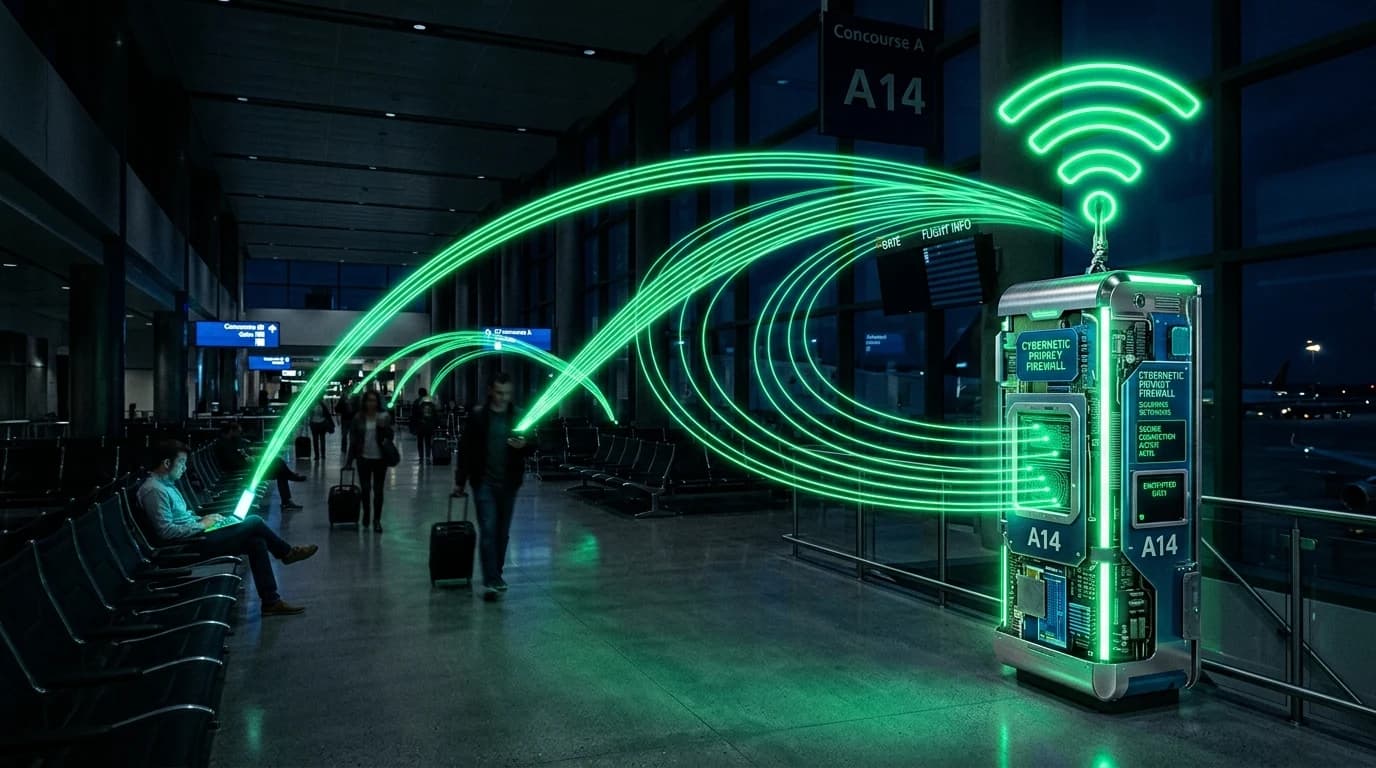
The Interception Gateway: How Captive Portals Operate
Whenever you connect your laptop or smartphone to public Wi-Fi at an airport, hotel, coffee shop, or conference center, your browser is forcibly redirected to a Captive Portal Webpage before granting internet access. Behind this login screen lies an extensive consumer tracking and telemetry apparatus.
What Telemetry Do Captive Portals Capture?
- Hardware MAC Address: The unique physical identifier burned into your Wi-Fi network interface card. Commercial Wi-Fi providers (like Boingo or Cisco Meraki) track your MAC address across different airports worldwide.
- Personal Identifiable Information (PII): Required registration forms that collect your email address, room number, full legal name, or social media login tokens.
- Unencrypted DNS Query Interception: Before authorization, captive portal routers redirect all port 53 DNS lookups to local logging servers.
How to Secure Public Wi-Fi Connections
- Enable MAC Address Randomization: Ensure Private Wi-Fi Address is enabled in iOS or Randomized MAC in Android/Windows settings to present a fresh hardware ID for every network.
- Use Disposable Registration Data: Use privacy forwarding email aliases (e.g., SimpleLogin or DuckDuckGo) on registration forms.
- Activate a WireGuard VPN Immediately: Once past the portal splash page, launch your VPN before opening email clients or Web3 wallets.
Review our analysis on public Wi-Fi Evil Twin attacks and packet sniffing.
Check what public IP address and ISP details your current connection exposes on our free real-time IP lookup scanner.