The Micro-Stutter Dilemma in Counter-Strike 2
Many competitive players running high-end Intel 12th, 13th, or 14th Gen processors (e.g., i7-13700K, i9-14900K) report mysterious 1% low frame drops and input stutter in CS2, despite averaging 400+ FPS. The culprit is not GPU bottlenecking—it is Windows Thread Director misallocating Source 2 render threads to Efficient Cores (E-Cores).
Why E-Core Scheduling Breaks Sub-Tick Smoothness
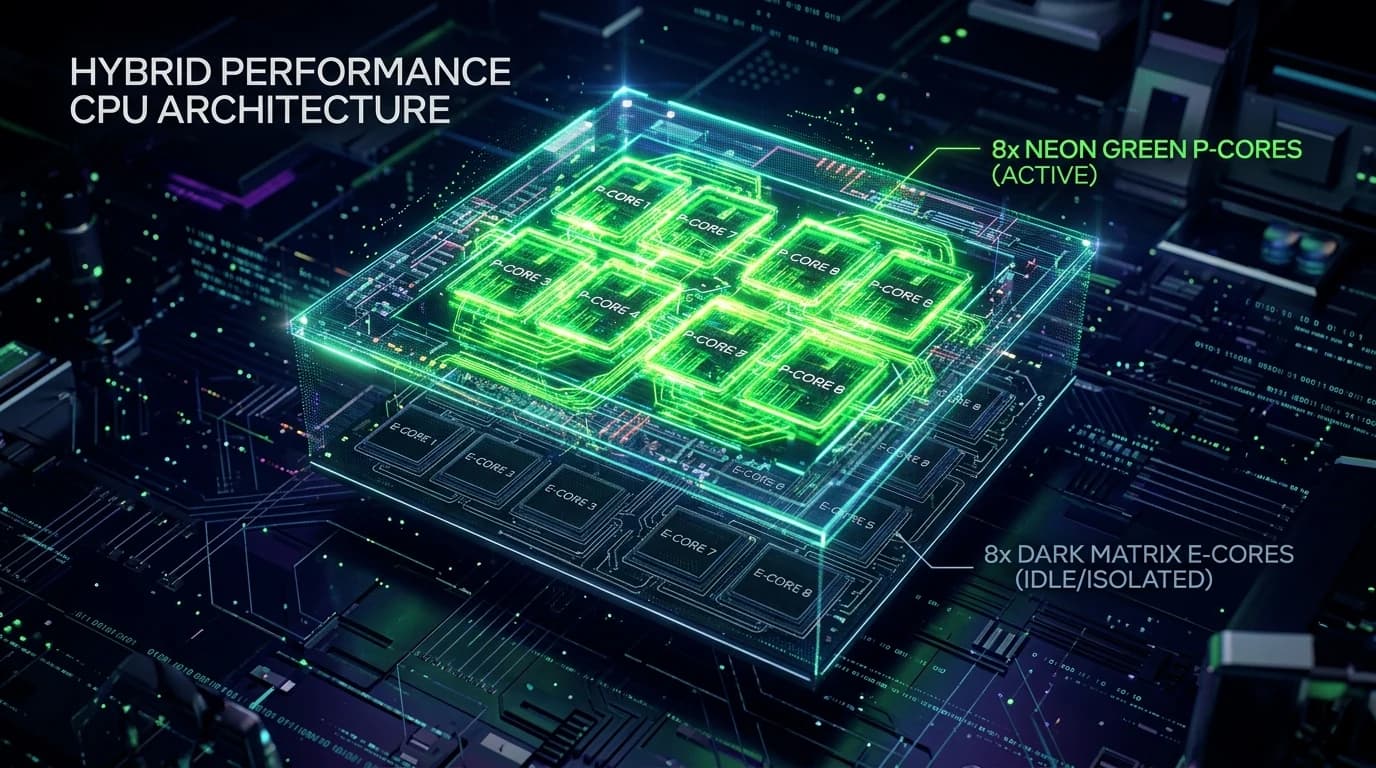
Intel hybrid CPU architecture pairs high-frequency Performance Cores (P-Cores) with low-clock Efficient Cores (E-Cores):
- Source 2 Thread Dispatching: CS2 relies heavily on a primary render thread, a simulation sub-tick thread, and multiple particle/physics worker threads.
- Thread Migration Latency: When Windows migrates a critical sub-tick calculation thread from a 5.7GHz P-Core to a 3.4GHz E-Core mid-round, frame render time spikes from 2.5ms to 18ms, causing an instantaneous visual stutter.
- L3 Cache Thrashing: P-cores and E-cores share the L3 cache, causing cache line invalidations when data moves across core clusters.
How to Lock CS2 Thread Affinity to P-Cores
- Use tools like Process Lasso to set CPU Affinity for
cs2.exeexclusively to physical P-Cores (Cores 0, 2, 4, 6, 8, 10, 12, 14). - Add launch options:
-threads 9(matching your total physical P-core count + 1). - Disable Hyper-Threading / SMT in motherboard UEFI BIOS if playing exclusively competitive esports titles for the lowest frame-time variance.
Read our analysis on CS2 peeker advantage and sub-tick network desync.
Audit your network latency on our free online IP scanner.