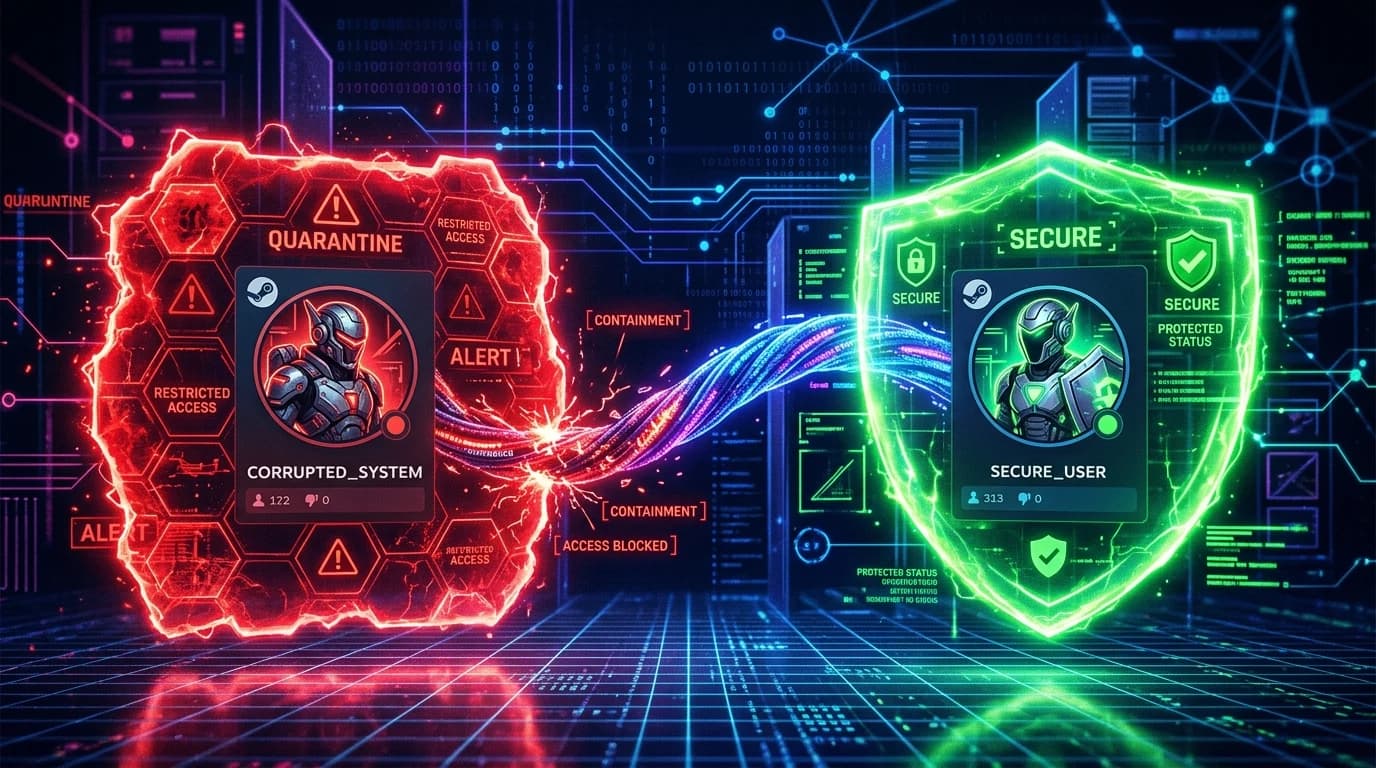
How Steam Family Sharing Handles Anti-Cheat Penalties
Steam Family Sharing (Steam Families) is one of the most beloved features on the platform, allowing household members to share access to games from a combined library. However, when it comes to anti-cheat enforcement, Valve enforces an unforgiving rule known as Ban Inheritance.
The Golden Rule: Ban Inheritance Protocol
According to official Steam policy:
If a user who is borrowing your game library commits a VAC or Game Ban infraction while playing your copy, your own primary account will also receive the permanent VAC/Game ban, and your library will lose Family Sharing privileges for that game.
Does a Ban on a Shared Account Blacklist Your Hardware or IP?
The extent of the penalty depends on the anti-cheat system protecting the specific title:
- Valve Anti-Cheat (VAC): Bans are applied at the account and phone number level. Valve does not issue permanent hardware bans, but your shared IP subnet will suffer a sharp Trust Factor degradation.
- Kernel-Level Anti-Cheats (EAC / BattlEye / Vanguard): If the borrower uses cheats on your physical PC or on a machine with linked hardware credentials, the physical machine will receive a permanent HWID ban regardless of which account was logged in.
Learn more about how hardware identifiers are cataloged in our guide on HWID bans in modern gaming and discover how to configure Steam voice P2P privacy settings.
Safety Rules Before Enabling Steam Family Sharing
- Never Share Your Library with Online Strangers: Only authorize computers belonging to trusted household family members.
- Never Link the Same Mobile Number Across Multiple Accounts: A VAC ban on any account sharing a phone number instantly bans all linked accounts.
- Audit Active Sessions Regularly: Review authorized devices in your Steam Family settings and revoke access immediately if unrecognized systems appear.