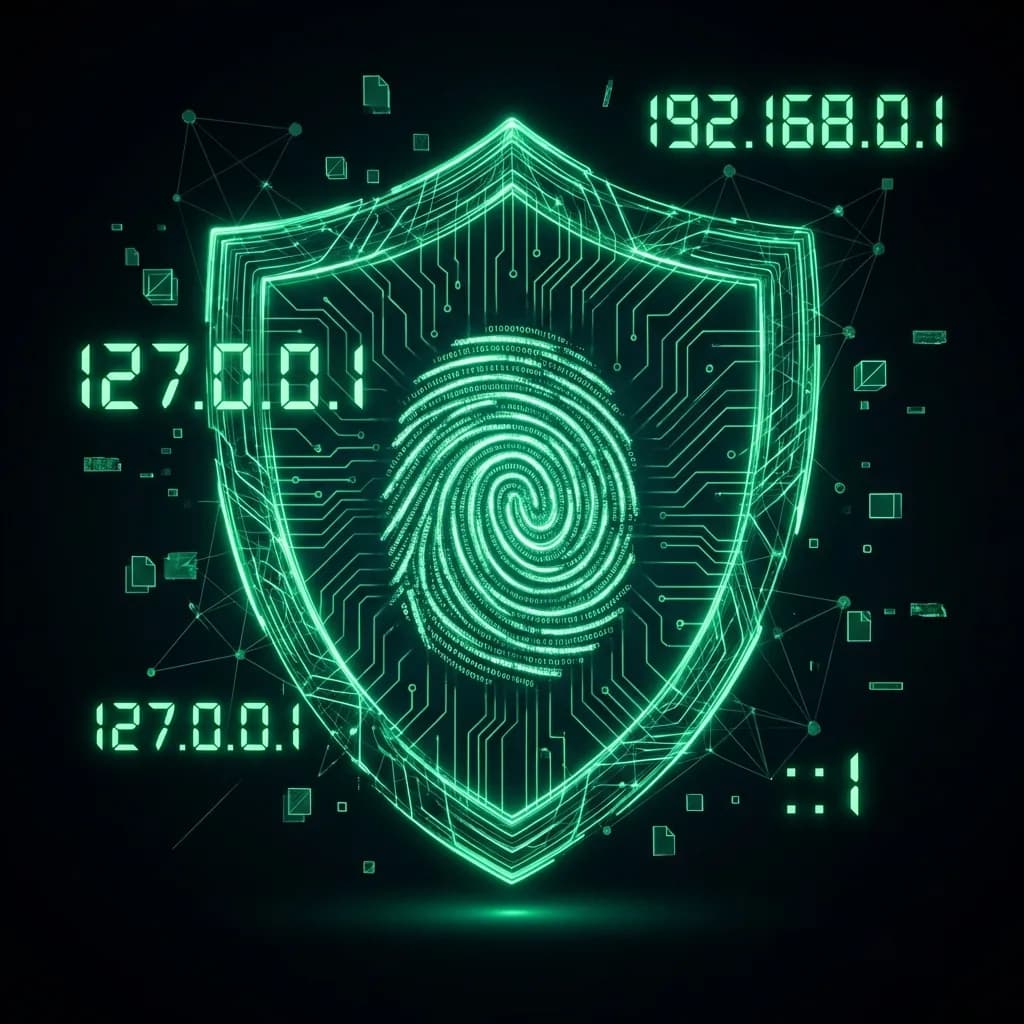
The Most Common Question: "What is My IP?"
Every second, thousands of users search for "What is my IP address". It's the digital equivalent of asking, "Where am I?". Your IP (Internet Protocol) address is a unique numerical label assigned to every device connected to a computer network that uses the Internet Protocol for communication. It serves two main functions: host or network interface identification and location addressing.
But why does it matter? Because your IP is your digital license plate. It's visible to every website you visit, every email you send, and often, every peer in a file-sharing network. IP geolocation lookup.
My IP Address: Public vs. Private
Confusion often arises between your Public IP and your Private IP.
- Public IP: Assigned by your ISP (Internet Service Provider). This is the "face" you show to the world. When you ask "What is my IP", this is usually what you want to know.
- Private IP: Assigned by your router (e.g., 192.168.0.1). This is used only within your home network (LAN) to talk to your printer, smart TV, or other computers.
"Your Public IP identifies you to the world. Your Private IP identifies you to your router."
The Power of an Advanced IP Scanner
Knowing your own IP is basic. To truly secure your network, you need an Advanced IP Scanner. These powerful tools scan your local network (LAN) to identify every connected device.
Why You Need an IP Scanner Scanner
- Security Audits: Find unauthorized devices stealing your WiFi. If you see an unknown "Generic Android Device" on your list, you might have a squatter.
- Network Management: Locate the IP address of your headless Raspberry Pi, printer, or NAS drive without needing to plug in a monitor.
- Port Scanning: Advanced scanners can check which ports (doors) are open on your devices, helping you close vulnerabilities before hackers exploit them.
IPv4 vs IPv6: The Future is Here
Most of us are used to IPv4 addresses (like 192.168.1.1). However, the world has run out of these addresses. Enter IPv6 (like 2001:0db8:85a3...). It's crucial to use a tool like DCIPCHECK that can detect both. If you are protecting your IPv4 address with a VPN but leaking your IPv6 address, you are completely exposed.
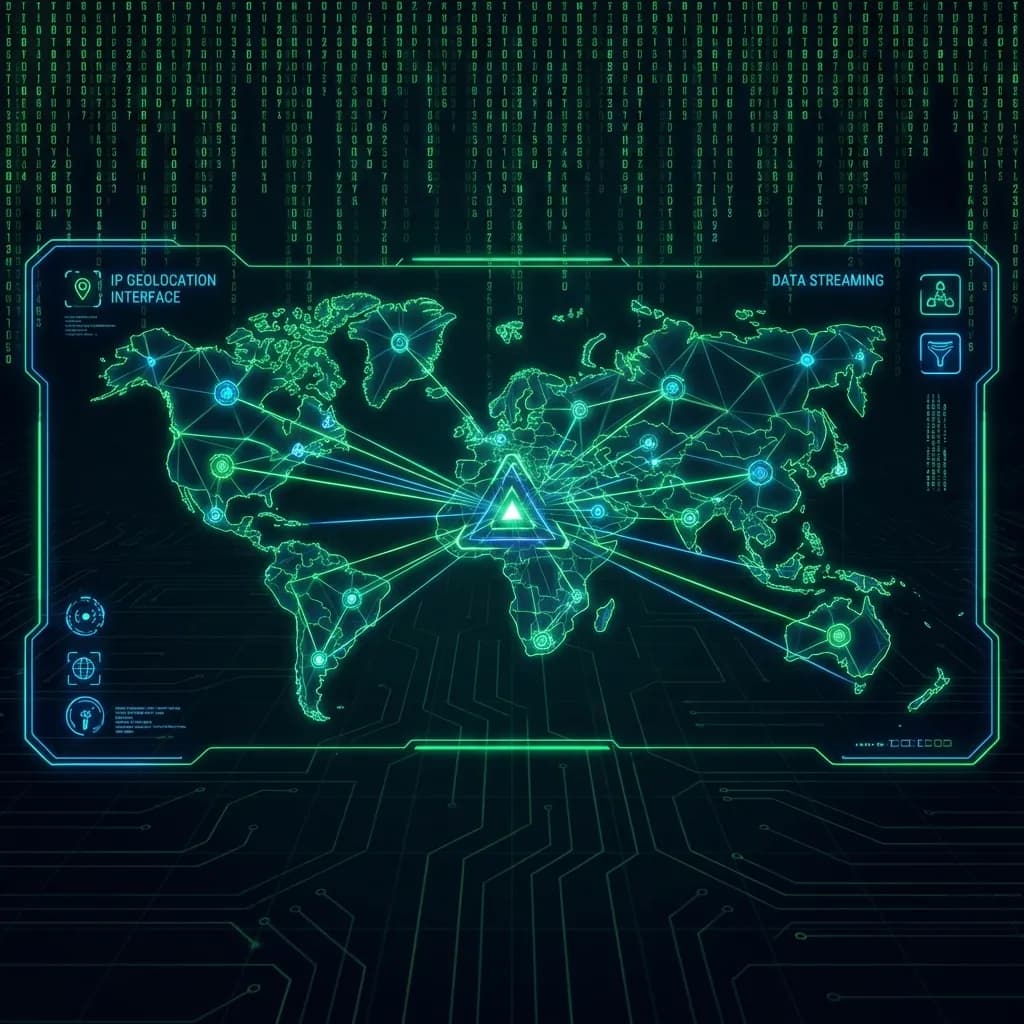
How to Hide Your IP Address
Once you know "what is my IP", the next question is usually "how do I hide it?". Privacy is a right, not a luxury.
- VPN (Virtual Private Network): The gold standard. Encrypts your traffic and routes it through a server in another country.
- Proxy Server: Hides your IP but doesn't necessarily encrypt your traffic. Good for bypassing region locks, bad for security.
- Tor Browser: Bounces your signal through multiple volunteer nodes. Extremely secure, but slow.
Conclusion
Whether you are a network admin using an free IP checker to secure an office, or a casual user just wondering "what's my IP", knowledge is power. Use tools like DCIPCHECK regularly to monitor your digital footprint and ensure your privacy shields are active.