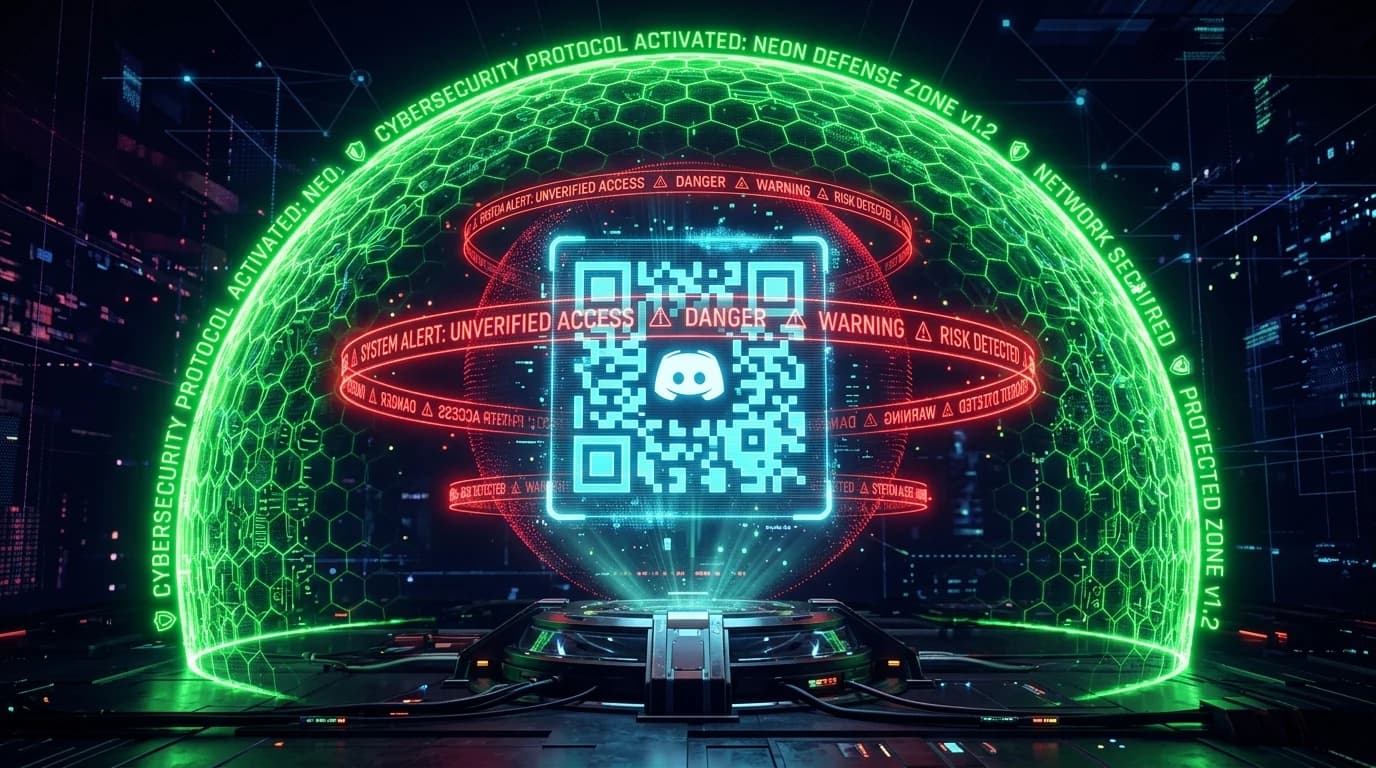
The Weaponization of Discord QR Code Logins
Discord features a convenient mobile login mechanism: open the Discord mobile app, scan a QR code on a desktop screen, and instantly authorize a new session. Cybercriminals weaponized this legitimate convenience into a devastating social engineering exploit known as Discord Remote Auth Phishing.
The Attack Anatomy: From Fake Nitro to Token Hijack
- The Phishing Lure: A bot or compromised friend account sends a direct message offering "3 Months of Free Discord Nitro - Scan QR to Claim".
- Dynamic QR Generation: The fake website connects in real-time to the official Discord gateway WebSocket, generating a genuine Discord login QR code for the attacker session.
- Mobile Authorization: When the victim scans the code using the camera scanner in the Discord mobile app, Discord treats the action as an intentional desktop login authorization.
- Instant Session Hijacking: The attacker backend extracts the victim account token, captures their connecting residential IP, and begins spamming malicious links to all mutual servers and friend lists.
How to Protect Your Discord Account
- Never Scan QR Codes from Websites or DMs: The only place you should ever scan a Discord QR code is on your own physical computer screen at the official
discord.com/loginpage. - Enable Hardware FIDO2 2FA: Security keys (YubiKey) prevent session takeovers even if credentials are exposed.
- Check Authorized Devices: Review active desktop logins in Discord Settings → Devices and click "Log Out All Unknown Devices".
Review our analysis on Discord Nitro phishing link traps.
Audit what public metadata your connection exposes right now on our free online IP scanner.