The Global Exhaustion of IPv4 Addresses
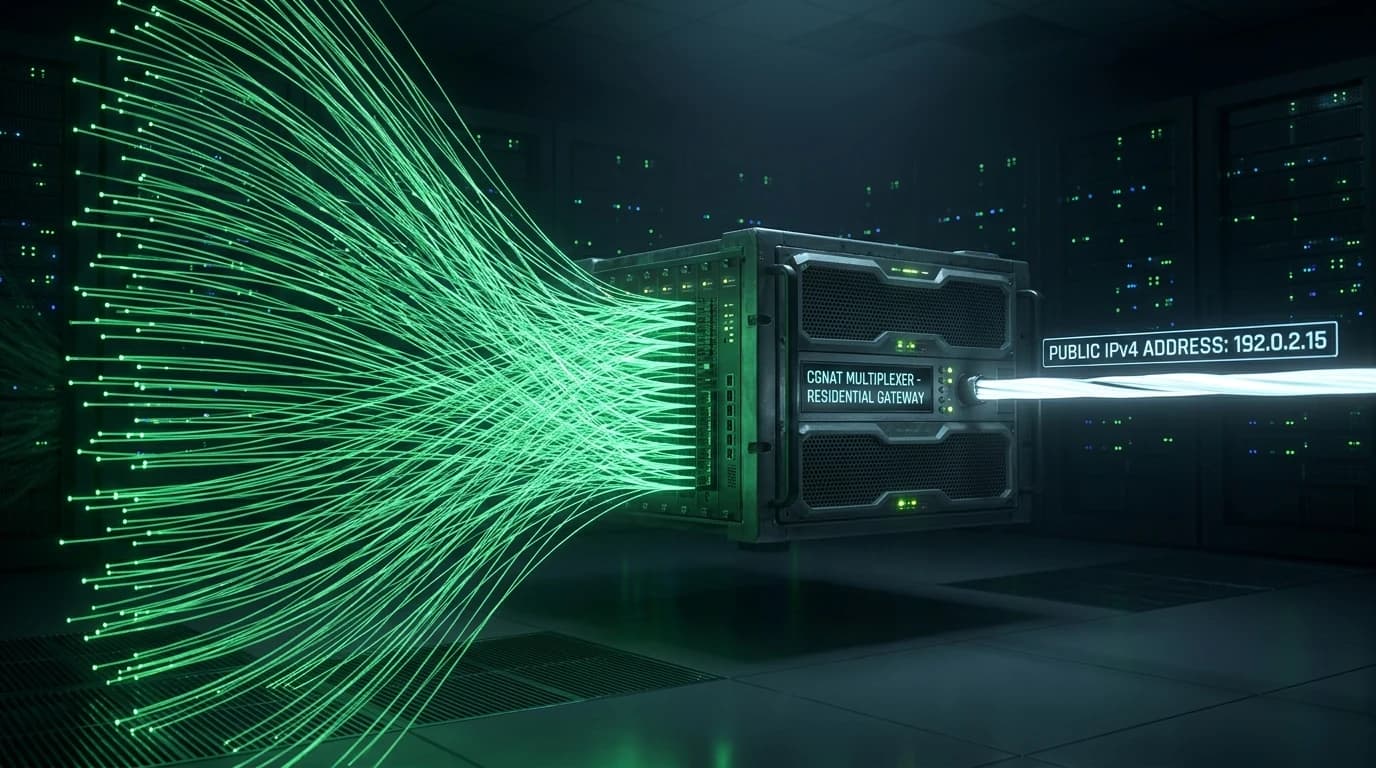
With only 4.29 billion possible IPv4 addresses and over 15 billion connected devices globally, internet service providers (ISPs) ran out of routable public IPv4 blocks. Rather than immediately upgrading everyone to IPv6, ISPs deployed Carrier-Grade Network Address Translation (CGNAT / Large-Scale NAT).
How CGNAT Breaks Inbound Port Forwarding
In standard home networking, your ISP assigns a unique public IPv4 address to your modem WAN port. In a CGNAT environment:
- Double NAT Architecture: Your router receives a private IP address in the reserved
100.64.0.0/10range (RFC 6598) from the ISP. - Shared Public IP: Hundreds or thousands of homes share a single public IPv4 address at the ISP central office.
- Impossible Port Forwarding: Because you do not control the ISP Carrier-Grade NAT router, configuring port forwarding (for Minecraft, Plex, or GTA servers) on your home router has zero effect on incoming internet traffic.
How to Check If You Are Trapped Behind CGNAT
- Open your home router admin dashboard (e.g.,
192.168.1.1) and find the WAN IP Address. - If the WAN IP begins with
100.64.x.xto100.127.x.x, you are behind CGNAT. - If your router WAN IP does not match the public IP shown on DCIPCHECK, your connection is multiplexed.
How to Bypass CGNAT
You can request a static public IP from your ISP, enable IPv6 routing, or use lightweight tunneling solutions like Cloudflare Tunnels, Tailscale, or WireGuard VPS relays.
Read our breakdown on Internet Exchange Points (IXPs) and BGP peering.
Instantly check if your public IP matches your ISP WAN address on our free online IP scanner.